Rocketbook Reviews – Read What All Say About Their Smart Notebook
ByLakshyarth
Updated Feb 10, 2022
4 min read
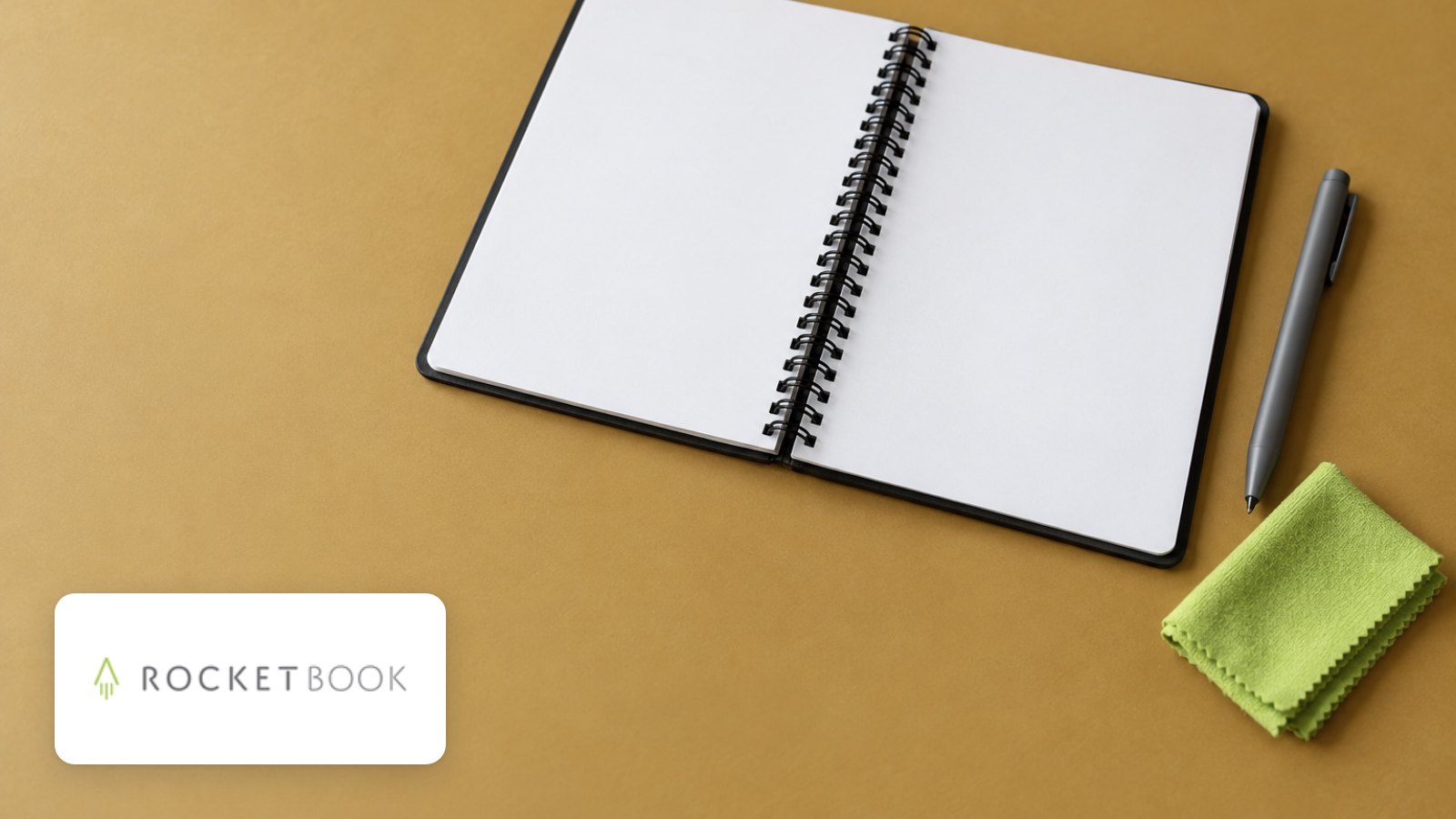
RocketBook Smart Notebook immediately links and stores your notes, doodles, and lists in the cloud with the free Smart Notebook app. Let's hear from the end consumers about Rocketbook themselves.
We have compiled Rocketbook reviews from various audiences, including bloggers, expert reviewers, the brand itself, and most importantly, the normal consumer. Read What All Say About Rocketbook and their Smart Notebook.
Discover firsthand opinions about Rocketbook. Is it a hit or miss? We’ve aggregated user and pro reviewers feedback for you. below are the key takeaways:
Pros:
"The app makes it exceptionally easy to scan, store, send and organize all of your notes instantly, a great advantage over traditional scanners."
- iPhoneLife Magazine
"Each page is durable and tear resistant."
- iPhoneLife Magazine
"Because of the erasing method, ghosting is quite minimal, arguably non-existent."
- Medium.com
"You set up your cloud-based services via the app, and then mark where you want the note to go by marking a circle on the bottom of the pages you’re scanning."
- Your Nerdy Best Friend
"You can write anyway, and in any style, you want."
- gearbrain
"It has perfect size, weight, and appearance for busy professionals on the go."
- Techbuyersguru
"It’s super interesting and fun."
- Your Nerdy Best Friend
"Rocketbook has a page where you can note what each one is."
- Your Nerdy Best Friend
"The Rocketbook offers a quality writing experience."
- College Infogeek
"You can configure the RocketBook App to send your notes to any of the supported cloud services."
- iotrant
"The design of the Rocketbook Everlast is efficient and straightforward."
- techacute
"Each 80-page notebook can be re-used up to five times."
- Expert Reviews
"You can transfer the high-resolution scans in either JPEG or PDF form."
- iPhonelife Magazine
"It comes with pen holder."
- Develop Good Habits
"Like the Wave, you can blast your notes to the cloud."
- Medium.com
Cons:
"Can’t the same be accomplished using a smartphone camera and an erasable pen?"
- iotrant
"I didn’t think the ink disappeared quite as well with the Wave as it did with the Everlast."
- Your Nerdy Best Friend
"The Frixion pen won’t give you the same consistently dark line as a high-quality pen on regular paper."
- College InfoGeek
"After erasing the writing I could still feel there was a little bit of a “dent” in the coated paper."
- TechAcute
"When you buy a new Rocketbook, they only come with a single black pen."
- TechAcute
"I found it difficult to “store” the pen as it had not spot where I could really attach it well to the notebook."
- TechAcute
"The ink from the Frixion pens takes around 10 seconds to dry."
- College InfoGeek
"It is available in only one color."
- Develop Good Habits
Final Thoughts:
"As per the given above pros and cons, you might have got an idea as the customers are satisfied with the Rocketbook Smart Notebook. If there is issues with the product, the issue is very slight. So, you can still read other reviews to get a clarity about the product. "
You can shop Rocketbook gift cards from the official website of Rocketbook and the gift card will be sent to you on your E-Mail ID.
How Rocketbook account can be deleted?
You can delete your Rocketbook account by going to the Menu and deleting your account by tapping the “Delete” button on the bottom of your screen.
Does the quality of photo differs comparing from the quality of phone?
Yes, the quality of Rocketbook is far better than the quality of the phone camera. The pictures will be amazing if clicked by Rocketbook.
What is the version of Pen that comes with Rocketbook?
Rocketbook notebooks come with Pilot FriXion 0.7MM Black Pen.
Can we save our notes in the Rocketbook?
Yes, you can save all your notes in Rocketbook.
What is the procedure to use Rocketbook Panda Planeer Pages?
RocketBook Panda Planner contains six sets of page types for planning and tracking your goals. Not sure where to start? You can check the whole procedure on the official website of Rocketbook.
What is the purpose QR Code ?
The QR code printed on the RocketBook pages is to help our RocketBook app “find” the page during the scan process. For more information about it, you can check it on the official website.
Can we recycle Rocketbook Notebooks?
Different types of Plastics consist of Rocketbook Notebooks. Yes, they are recyclable but there are a few complications which you can read thoroughly about on the official website of Rocketbook.
How do I request for Rocketbook Donation?
You have to send an e-mail at [email protected] to request a Rocketbook donation.
How to scan Could cards?
For the most part, scanning a cloud card works just like scanning any other RocketBook product! The whole procedure is given on Rocketbook website page.
How do I disinfect my Rocketbook for use in the cleanroom?
For general cleaning of Rocketbook pages, they generally do not recommend the use of any solvent or chemical, as there is a risk of damaging the coating on the pages.